
Control access
Protect a form with a password and give team members appropriate permissions.
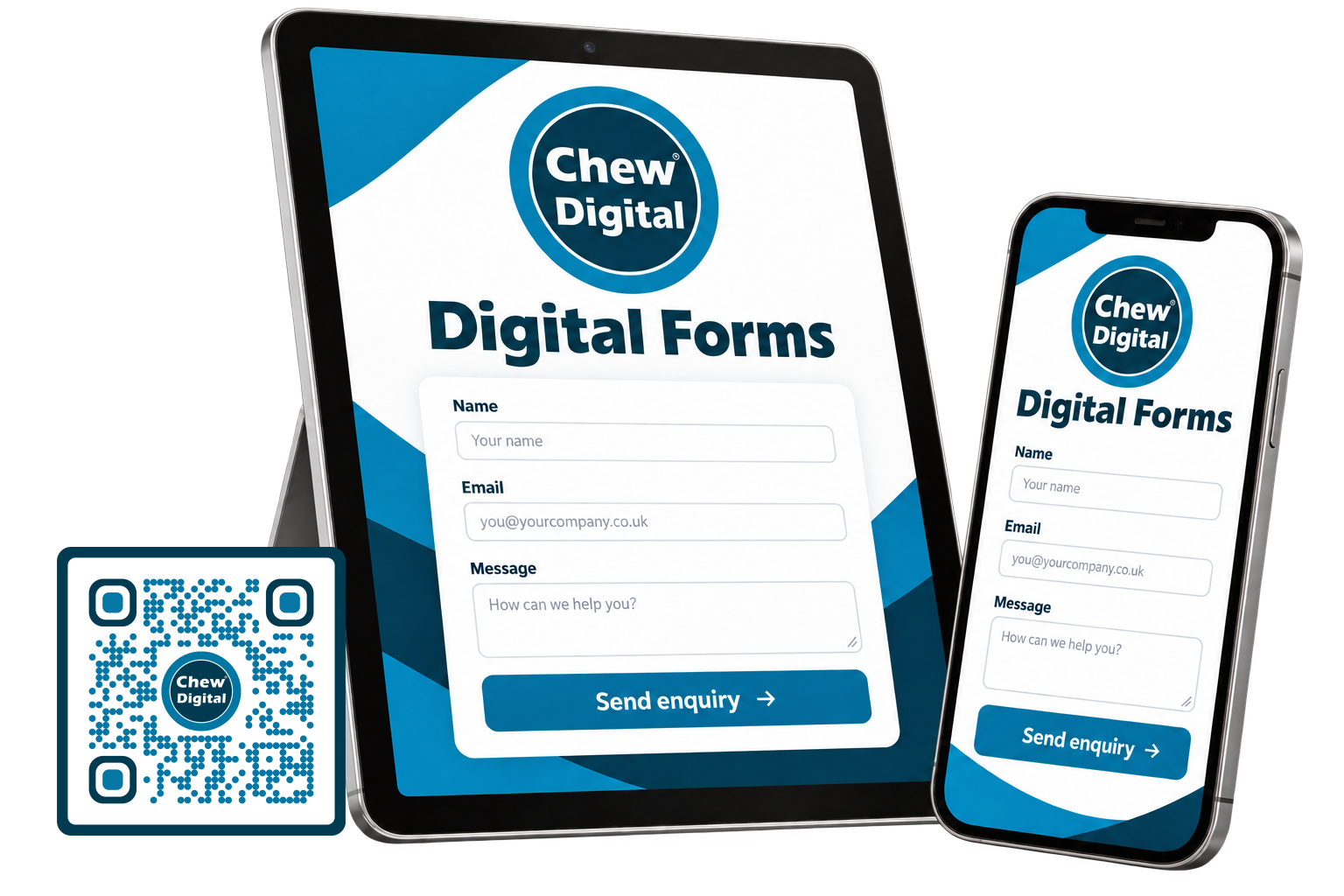
Collect enquiries, applications, bookings and customer information with mobile-friendly online forms. Keep the information you need organised in one place.
£6.99 / month
Starting plan for one user, with dashboard access and a limited number of forms. Ask us to confirm the form allowance and features for your requirements.
A monthly digital forms subscription you can cancel at any time. Your order confirms when cancellation takes effect.
Ask about digital forms →Choose a standalone link, embed a form on your website or connect it to a branded QR code.
Choose the tools that suit the information you need to collect, the people using the form and what should happen next.
Protect a form with a password and give team members appropriate permissions.
Collect signatures on computers, tablets and touch-screen phones.
Build order and payment forms with supported Stripe, PayPal and Apple Pay options.
Schedule opening dates, closing dates and submission limits.
Arrange fields with drag-and-drop tools and style the form around your brand.
Give submissions a clear review, approval or decline process.
Notify your team and send a confirmation to the person completing the form.
Save a partly completed form so longer applications are easier to finish.
Browse the groups below, or search for a particular task. Open any heading to see the features and a plain-English explanation.
Layouts that adapt to phones, tablets and desktop screens.
Add and arrange questions without writing code.
Give each form a consistent look that suits your business.
Connect supported payment services, including Stripe and PayPal.
Manage personal data with suitable permissions and settings; your own processes still matter.
Let the right people know when a form is submitted.
Review submissions through an approve-or-decline process.
Let someone save a part-completed form and return later.
Show relevant questions based on earlier answers.
Turn submitted information into useful summaries.
Give colleagues the access they need to work with forms.
Split longer forms into manageable steps.
Set the title, description and behaviour of each form.
Organise larger questionnaires and applications into a clear structure.
Choose the dates or periods when a form accepts responses.
Set limits on how many entries a form accepts.
Use supported checks to help reduce automated and unwanted submissions.
Give people a chance to check their answers before submitting.
Protect form connections and apply access controls appropriate to the information collected.
Embed forms or connect supported services for your workflow.
Present form labels and messages in the languages your audience needs.
Reuse form structures and move supported form definitions.
Require a password before someone can open a form.
Adjust the form's appearance through visual controls.
Choose suitable typefaces from the supported font collection.
Start with a prepared design and adapt it.
Apply a coordinated colour palette.
Use supported patterns to add visual character.
Adjust depth and emphasis where it suits your design.
Change the wording and appearance of the final action.
Fine-tune the design when a more tailored finish is needed.
Use text, choices, dates and other supported input formats.
Reveal or hide fields according to the answers given.
Check required answers and supported formats before submission.
Capture a signature using a mouse or touch screen.
Collect several related answers in a structured grid.
Help people select dates with configurable calendar controls.
Associate amounts with choices in an order or payment form.
Set suitable boundaries for supported field values.
Collect supporting documents, photographs or other permitted files.
Add protection to selected sensitive fields where configured.
Gather quick ratings and customer feedback.
Store relevant background information without displaying another question.
Hide a field when its predefined value makes another question unnecessary.
Generate a default value for supported use cases.
Control how often an option can be selected.
Create and manage people who can access the form dashboard.
Add multiple users through supported import tools.
Choose which forms each user can access or manage.
Control access to submitted information.
Limit who can view or manage reports.
Assign management permissions to authorised team members.
Let someone view information without changing it.
Add a second verification step to account sign-in.
Restrict account access to approved network addresses where configured.
Help protect accounts after repeated unsuccessful sign-in attempts.
Review submitted information from a central dashboard.
Open the complete information for an individual submission.
Store form entries in the underlying MySQL database.
Find entries that match the criteria you need.
Take your data into supported formats for further work.
Create a portable copy of a submission.
Arrange records to make review easier.
Share an entry with the appropriate recipient.
Produce a clear version for printing.
Review saved, unfinished entries where this feature is enabled.
Send a notification when a new entry is received.
Notify more than one person where needed.
Keep notification emails easy to review and print.
Send a response to the person who completed the form.
Adapt notification wording and layout to your process.
Choose a suitable email format.
Include a PDF copy of the submitted information.
Include permitted files in supported notifications.
Use an appropriate configured address for outgoing messages.
Send additional copies without displaying those recipients.
Offer Apple Pay where supported by the payment service and customer's device.
Connect your supported merchant account to a form.
Show the total as the customer makes their selections.
Set up repeat payments where supported by your payment service.
Charge a set amount or calculate a price from the selected options.
Assign different amounts to supported choice-field options.
Collect the billing and delivery information your order needs.
Supported gateways handle card details; configuration and merchant responsibilities still apply.
Use different supported PayPal accounts for different forms.
Check payment information alongside the associated entry.
Apply eligible discounts when customers enter a valid code.
Choose an appropriate chart for the information being reported.
Create visual reporting components through guided controls.
Display selected submissions in a structured table.
Make reports available to the people who need them.
Explore information through supported interactive chart views.
Summarise feedback collected through rating fields.
Place supported report widgets in another page.
Match reporting components to your preferred look.
Review supported reporting views on smaller screens.
Create rules that respond to the information entered.
Display questions only when they are relevant.
Route people past sections that do not apply to them.
Choose notifications according to submitted answers.
Show a suitable completion message for each outcome.
Send information to a configured external service.
Include appropriate submitted values in the success page.
Send people to a relevant destination after submission.
Use a dashboard designed to look clear on high-density screens.
Pass supported values into a form from its link.
Present longer supporting text in a contained area.
Configure sending details to work with domain email-authentication policies.
Explain what happens next when a form is unavailable.
Support for compatible PHP 8 hosting configurations.
Protect stored form data where database encryption is included and configured.
Host your forms with Chew Digital®'s renewable-powered hosting approach.
Encrypt information while it travels between a browser and the form.
Protect supported email connections during transmission.
Use hosting configured to keep forms responsive.
Apply hosting-level protections designed to help detect and block unwanted activity.
No matching features. Try a shorter word or a different task.
Features depend on your plan, permissions and setup. We will confirm form, user, submission and storage allowances, security options and any additional setup costs before you subscribe. Payment-provider accounts and transaction fees may apply.
Add a branded dynamic QR code to a poster, leaflet, business card or counter display. A scan takes customers straight to your enquiry, survey or application form.
Lifetime dynamic QR options are available. We confirm what the lifetime service covers in your quotation.
Explore dynamic QR codes →Customer feedback, quote requests, registrations, job applications, payment forms and internal business processes.
Tell us what you need to collect and who needs to use it. We’ll help you find a suitable setup.